
Epsilla Partners with TokenRouter
We're excited to announce a partnership between Epsilla and TokenRouter.
Building production AI agents means choosing the right model for each job, and that choice keeps changing. New frontier models ship every few weeks, open-source models close the gap on quality, and pricing shifts constantly. Wiring up a separate provider, API key, and billing relationship for each one slows teams down and locks them into yesterday's decision.
TokenRouter solves this with a single unified endpoint and one API key that routes to a broad catalog of models — frontier commercial models like Claude Opus 4.8 and GPT-5.5, alongside leading open-source models such as Kimi K2.6, Qwen3.6, DeepSeek V4, and more. You switch your base URL once and scale across models with better pricing, smarter caching, and reliable always-on routing.
With this partnership, TokenRouter is now a first-class model provider inside Epsilla. Enable it once in your workspace and every TokenRouter model becomes available to your Epsilla agents — no separate integrations, no juggling keys.
Why this matters
For Epsilla users, the integration means three practical things:
One key, every model. Instead of managing OpenAI, Anthropic, Google, and open-source providers separately, you connect a single TokenRouter key and pick any model from a dropdown when configuring an agent.
Frontier and open-source side by side. Use a top-tier reasoning model for complex tasks and a fast, low-cost open-source model for high-volume routing — all from the same integration, swappable in a click.
Better economics and reliability. TokenRouter's smart caching and unified routing help reduce cost and improve uptime, which matters when agents run at production scale.
Limited June offers: up to $200 in developer credits, plus a 40% top-up bonus
To kick off the partnership, TokenRouter is running two limited offers for new and existing users through June 30, 2026:
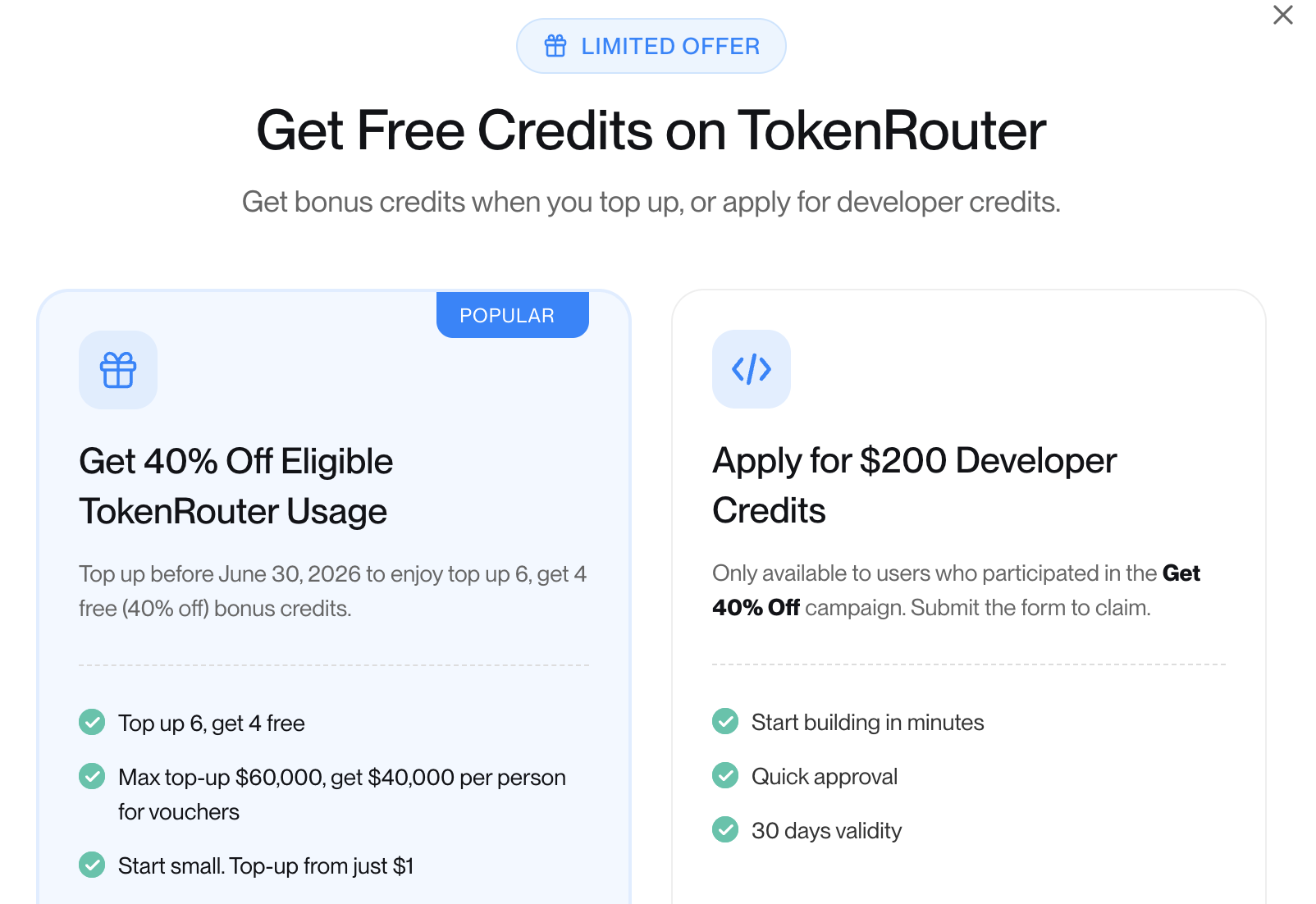
Offer 1 — Top up $1, get up to $200 in free credits
TokenRouter is offering $200 welcome credits this month.
- Top up just $1 to your TokenRouter account. This verifies your identity and payment method and earns a 100% bonus match.
- Submit the short claim form. For the company information, input Epsilla — the TokenRouter team will promptly approve requests from Epsilla users.
Approved applicants receive up to $200 in developer credits deposited directly into their Credits Wallet — enough to put frontier and open-source models to work across your Epsilla agents right away. The application window runs June 1–30, 2026. Full details are in TokenRouter's campaign rules.
Offer 2 — Get 40% off, up to $100,000 top-up
Prefer to top up directly? Add credits before June 30, 2026 and get 40% bonus credits on eligible usage. Start with as little as $1, up to a maximum top-up of $100,000 (up to $40,000 in bonus credits per person). Please note that gifted credits expire 30 days from the date of issue.
How to enable TokenRouter in Epsilla
Connecting TokenRouter to your Epsilla workspace takes about a minute.
Step 1 — Get your TokenRouter API key
Sign in to the TokenRouter console and create an API key. If you're claiming the welcome offer, complete the $1 top-up and the claim form first so your credits land on the same key.
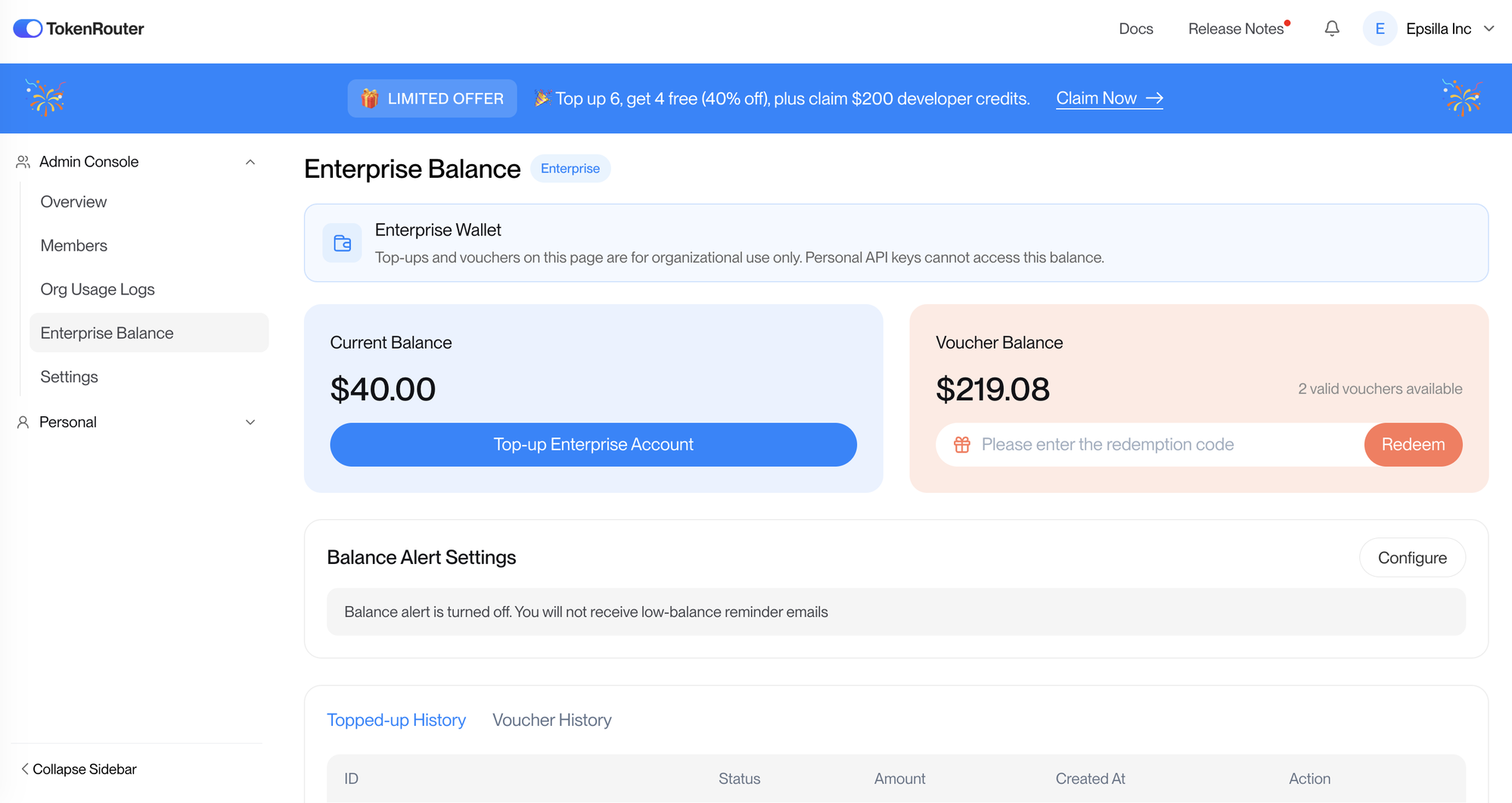
Step 2 — Open Integrations in Epsilla
In your Epsilla workspace, go to Integrations → Model Providers and find the TokenRouter card.
Step 3 — Add your key and enable
Paste your TokenRouter API key into the field on the TokenRouter card and click Enable. That's it — TokenRouter is now connected to your workspace.
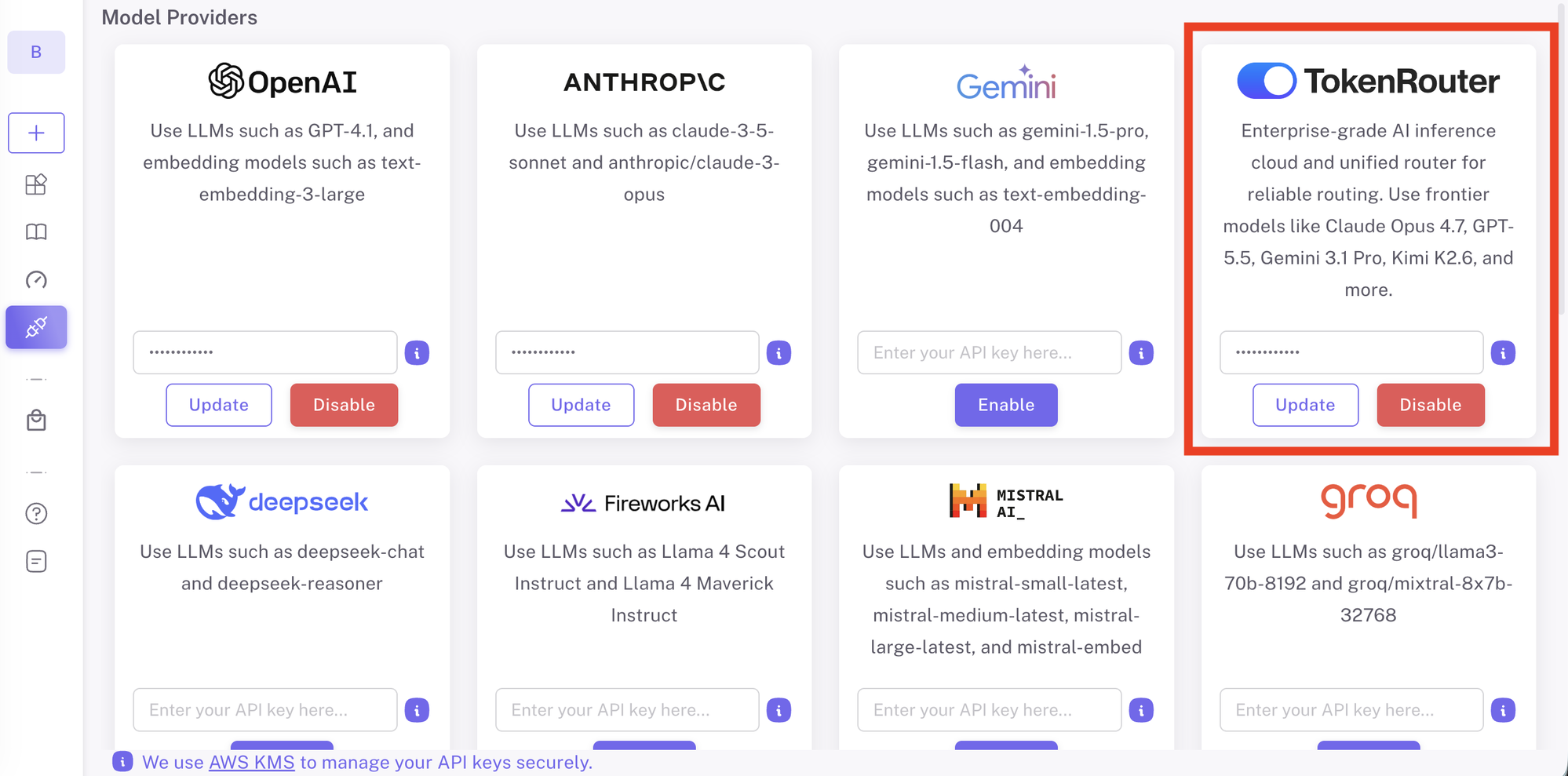
Step 4 — Select a TokenRouter model
When you build or edit an agent, open the model selector and choose any tokenrouter/... model — for example tokenrouter/anthropic/claude-opus-4.8, tokenrouter/openai/gpt-5.5, tokenrouter/deepseek/deepseek-v4-pro, or tokenrouter/qwen/qwen3.6-plus. Your agent will route requests through TokenRouter automatically.
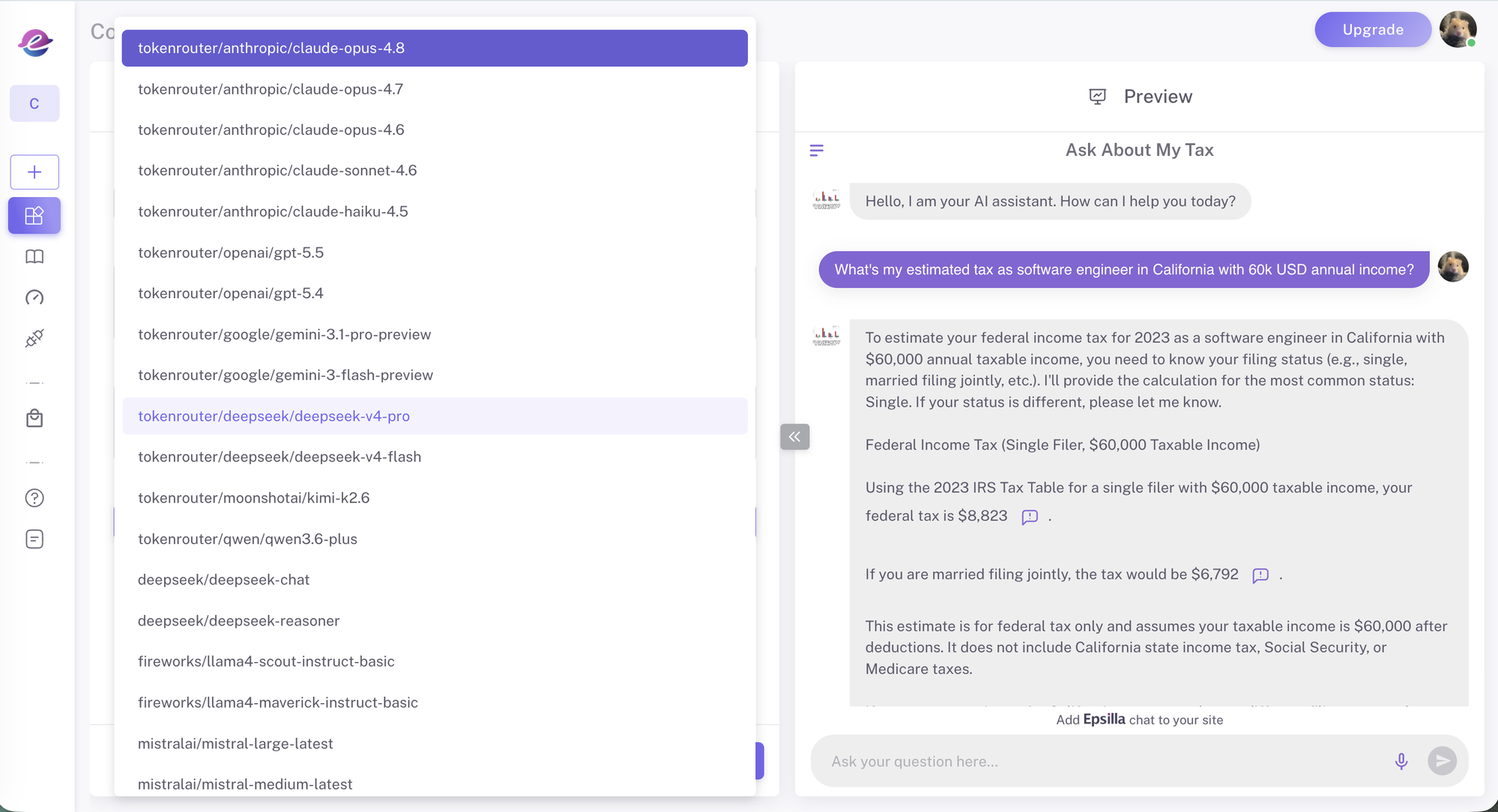
Tip: Mix models across your agents. Route complex reasoning to a frontier model and high-volume, latency-sensitive tasks to a fast open-source model — all on the same key.
Get started
If you're already on Epsilla, head to Integrations, enable TokenRouter, and try a frontier model in your next agent. New to Epsilla? Start building your first no-code AI agent today.
We're thrilled to bring TokenRouter's unified model access to the Epsilla platform — and this is just the beginning.